1494: "What Is Auracast and How Does It Work?"
Interesting Things with JC #1494: "What Is Auracast and How Does It Work?" – In rooms where sound never reaches you, a free broadcast is already moving through the air. Auracast lets your earbuds lock onto it, revealing the audio the space has kept just out of reach.
Curriculum - Episode Anchor
Episode Title: What Is Auracast and How Does It Work?
Episode Number: 1494
Host: JC
Audience: Grades 9–12, college intro, homeschool, lifelong learners
Subject Area: STEM, Physics of Waves, Digital Communication Technologies, Engineering Design
Lesson Overview
By the end of this lesson, learners will be able to:
• Define Auracast, Bluetooth LE Audio, and LC3 in the context of wireless communication.
• Compare traditional Bluetooth pairing with broadcast-based LE Audio transmission.
• Analyze how data rate, latency, and broadcast range affect audio quality and user experience.
• Explain real-world applications of Auracast across public spaces and assistive listening environments.
Key Vocabulary
• Bluetooth LE Audio (blo͞ot-to͞oth el-ē aw-dee-oh) — A low-energy audio standard that allows devices to send sound efficiently. Used in a sentence: Bluetooth LE Audio enables broadcasting audio to multiple listeners without one-to-one pairing.
• Auracast (or-uh-cast) — A broadcast audio feature that lets many users tune into a single transmitter’s audio stream.
• LC3 Codec (el-sē-three kō-dek) — A digital audio compression format that sends high-quality sound using relatively low data rates.
• Latency (lay-ten-see) — The delay between sending and receiving audio or video signals.
• Transmitter (tran-zmit-er) — A device that sends out a signal that other devices can receive.
Narrative Core
Open: JC introduces the everyday problem of silent TVs in public spaces, airports, gyms, waiting rooms, and hooks the listener with a relatable scenario.
Info: Bluetooth LE Audio, released in 2022, introduces Auracast: a broadcast audio mode that allows an unlimited number of nearby listeners to tune into audio from a TV, phone, or speaker with no pairing or codes.
Details: JC explains LC3 audio compression (96–160 kbps), low latency (20–30 ms), broadcast range (~30,000 sq ft), and how devices detect and join a broadcast. He compares Auracast to a simple radio station and outlines examples across museums, gyms, theaters, and assistive listening technologies.
Reflection: Auracast is described as a simple, accessible shift that removes barriers, no new hardware, no strict positioning, and hearing-aid compatibility, allowing people to hear what is already happening around them.
Closing: These are interesting things, with JC.
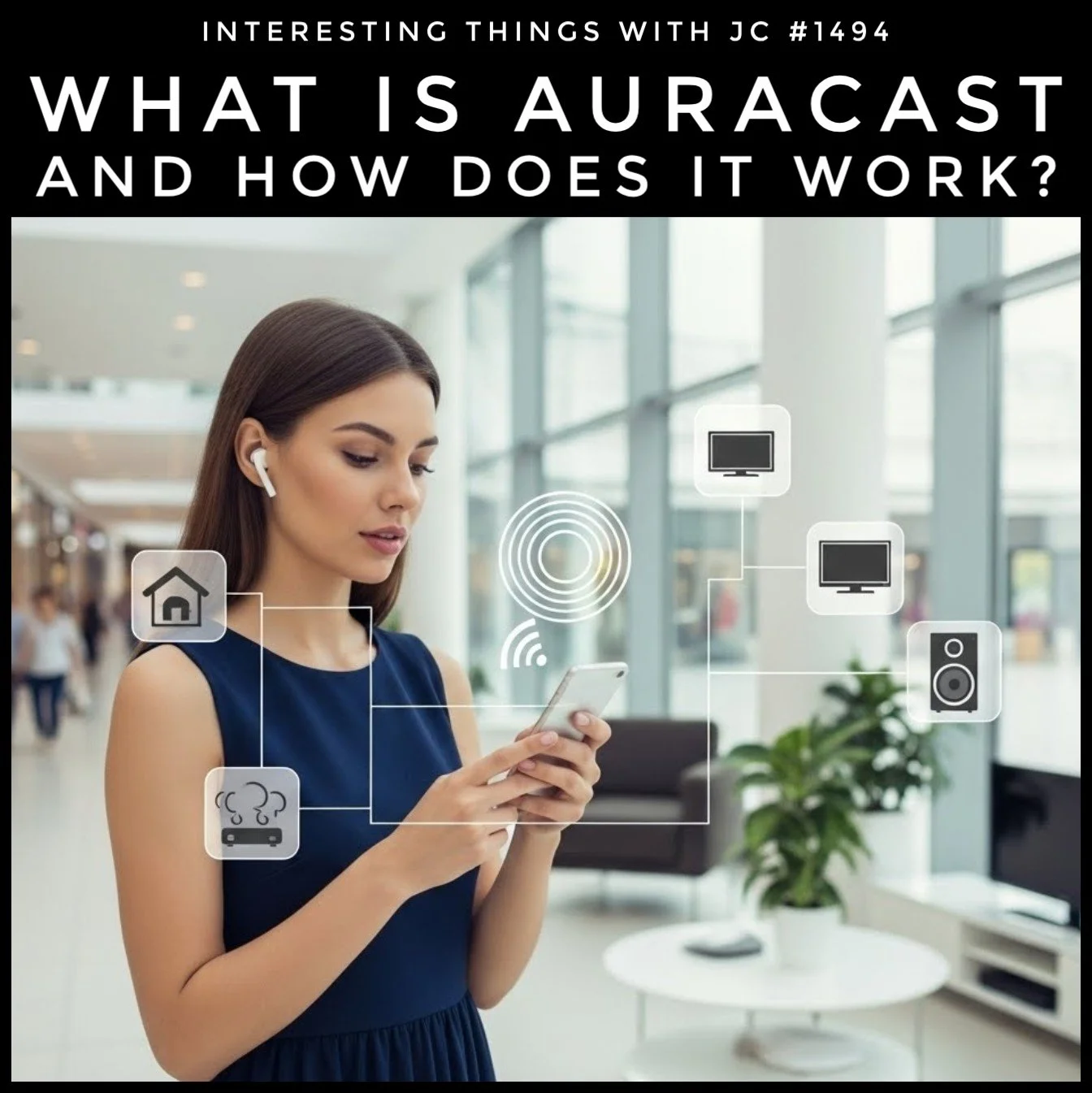
A young woman wearing wireless earbuds stands in a bright, modern indoor space, looking down at her smartphone. Around her, semi-transparent digital icons are overlaid, including symbols for a home, a TV, a speaker, and a car, all connected by thin lines to a central broadcast-style icon near her phone. The top of the image features the title “Interesting Things with JC #1494 – What Is Auracast and How Does It Work?” The background shows a spacious lobby or mall with large windows, plants, and soft natural light.
Transcript
If you’ve ever sat in an airport, a gym, or a doctor’s waiting room staring at a TV you can’t hear, you know the scene. The picture’s right there, but the sound stays out of reach. For most folks, that’s been normal for as long as Bluetooth has been around. Then a feature called Auracast came along and changed the way those moments work.
Auracast is part of Bluetooth LE Audio, introduced in 2022. Instead of pairing one device to one listener, it lets a TV, a phone, or a speaker send out a short-range signal that anyone nearby can tune into with compatible earbuds or hearing aids. No codes. No pairing. Just pick the broadcast from a list. One transmitter can cover about 30,000 square feet (2,787 square meters), depending on the layout of the building.
The audio is carried by a format called LC3. In everyday terms, it sends more information using less data. Most streams run between 96 and 160 kilobits per second, which is plenty for clear speech and music, and it lines up with video smoothly. Latency usually sits around 20–30 milliseconds. That’s fast enough that a person watching a screen won’t notice any delay between someone’s mouth moving and the words they hear.
The best way to picture it is this: Auracast turns your earbuds into a simple radio, and the TV becomes the local station. The TV sends out a little message that says, “Here’s my audio and here’s what I’m called.” Your phone notices that message, shows you a list of broadcasts, and hands the tuning information to your earbuds or hearing aids. After that, your device listens straight to the source.
Because this is a broadcast, not a private connection, one signal can serve as many people as needed. A museum can offer multiple languages. A gym can name each TV so you can follow the one you’re watching. A theater or church can offer assistive listening without extra headsets or wires. And hearing aids built for LE Audio can connect directly, without adapters.
It doesn’t take a new gadget. It doesn’t ask the listener to stand in a certain spot. It simply lets people hear what’s already happening around them, using the devices they carry every day.
These are interesting things, with JC.
Student Worksheet
Define Auracast in your own words using information from the episode.
Explain how LC3 improves audio transmission compared to older Bluetooth codecs.
Why is 20–30 milliseconds of latency important for watching video?
Describe two real-world spaces where Auracast can improve accessibility.
Create a simple diagram showing how a phone, transmitter, and earbuds interact in an Auracast system.
Teacher Guide
Estimated Time
45–60 minutes
Pre-Teaching Vocabulary Strategy
Use a Frayer Model for the terms LC3, latency, and broadcast. Provide visual examples of digital signals versus analog radio to build prior knowledge.
Anticipated Misconceptions
• Students may confuse Auracast with Wi-Fi streaming.
• Some may think Bluetooth always requires pairing.
• Broadcast range does not depend on internet access.
Discussion Prompts
• How does changing from one-to-one pairing to broadcast change user agency?
• What engineering challenges must be solved to keep latency below 30 ms?
• In what ways does Auracast support inclusivity in public spaces?
Differentiation Strategies
• ESL: Provide sentence frames and labeled diagrams.
• IEP: Break technical explanations into 2–3 step sequences with visuals.
• Gifted: Assign analysis of spectral efficiency or energy consumption in LE Audio.
Extension Activities
• Build a model showing digital audio compression steps.
• Compare LC3 to SBC or Opus using data rate charts.
• Evaluate potential uses of Auracast in emergency communication systems.
Cross-Curricular Connections
• Physics: Wave propagation, signal attenuation, electromagnetic spectrum.
• Computer Science: Data compression, broadcasting protocols.
• Engineering: Standards development, human-centered design.
• Media Studies: Audio accessibility in public information systems.
Quiz
Q1. What makes Auracast different from traditional Bluetooth audio?
A. It uses more battery power
B. It broadcasts to many listeners
C. It requires a code
D. It only works with TVs
Answer: B
Q2. What codec does Auracast use?
A. MP3
B. SBC
C. LC3
D. FLAC
Answer: C
Q3. Why is low latency important for video?
A. It increases volume
B. It saves storage space
C. It synchronizes sound with visuals
D. It makes colors brighter
Answer: C
Q4. What is the approximate maximum range of an Auracast transmitter?
A. 100 sq ft
B. 1,000 sq ft
C. 10,000 sq ft
D. 30,000 sq ft
Answer: D
Q5. Which location is specifically mentioned as a place Auracast can help?
A. A beach
B. A museum
C. A forest
D. A parking lot
Answer: B
Assessment
Explain how Auracast improves accessibility in public spaces using at least three examples from the episode.
Analyze how LC3’s data efficiency contributes to real-world performance in broadcast audio.
3–2–1 Rubric
• 3: Accurate, complete, thoughtful, with examples directly from the episode.
• 2: Partially accurate or missing key details.
• 1: Vague, inaccurate, or unrelated responses.
Standards Alignment
NGSS
• HS-PS4-2: Evaluate how wave properties and digital transmission support low-latency audio systems like Auracast.
• HS-PS4-5: Communicate technical information on how digital signals encode and transmit sound.
• HS-ETS1-2: Examine design trade-offs in broadcast audio systems.
Common Core ELA
• CCSS.ELA-LITERACY.RST.11-12.2: Determine central ideas in technical texts (here, the transcript).
• CCSS.ELA-LITERACY.RST.11-12.3: Follow complex multistep technical explanations.
• CCSS.ELA-LITERACY.WHST.11-12.2: Write informative texts explaining scientific processes.
ISTE Standards
• 1.3 Knowledge Constructor: Students evaluate engineering solutions like broadcast audio networks.
• 1.4 Innovative Designer: Students model or diagram Auracast’s signal flow.
CTE (Engineering & ICT Pathways)
• TE.AE.5.1: Analyze emerging technologies in communication systems.
• ICT.MI.7.2: Explain data compression and transmission efficiency.
International Equivalents (UK, IB, Cambridge)
• UK GCSE Physics – Waves: Understanding digital signals and transmission.
• Cambridge IGCSE ICT 0417: Describe communication technologies and data compression.
• IB MYP Design Criterion A: Identify and explain technological problems and solutions.
Show Notes
This episode explores Auracast, a broadcast component of Bluetooth LE Audio that replaces one-to-one pairing with an open, tune-in system. JC explains how LC3 efficiently carries high-quality sound at 96–160 kbps, how low-latency transmission aligns with video screens, and how a single transmitter can cover roughly 30,000 square feet. The episode connects wireless engineering with real-world accessibility: museums offering multiple languages, gyms synchronizing TV audio, and hearing aids connecting without adapters. For classrooms, this episode provides a rich entry point into digital communication systems, wave physics, codec design, and user-centered engineering.
References
• Bluetooth SIG. (2022). LE Audio and Auracast broadcast audio overview. https://www.bluetooth.com/learn-about-bluetooth/recent-enhancements/le-audio/
• Grokipedia. (2024). LC3 (codec). https://grokipedia.com/page/LC3_(codec)
• European Hearing Instrument Manufacturers Association. (2023). LE Audio and hearing aid interoperability. https://www.ehima.com/
• IEEE Standards Association. (2022). Bluetooth LE Audio updates within IEEE 802. https://standards.ieee.org/